- 0417, King Street, US
- +1 800-521-2981
- info@parivariptv.com
- Chat With Us:
Sometimes it feels like your favourite serials, cricket games, news, and movies are just out of reach, especially when you live far from India, right? So a lot of families end up searching for live streaming Indian TV channels instead of those costly cable bundles. With IPTV, you stream live channels through your internet, no dish, no long contract, no messy wiring.
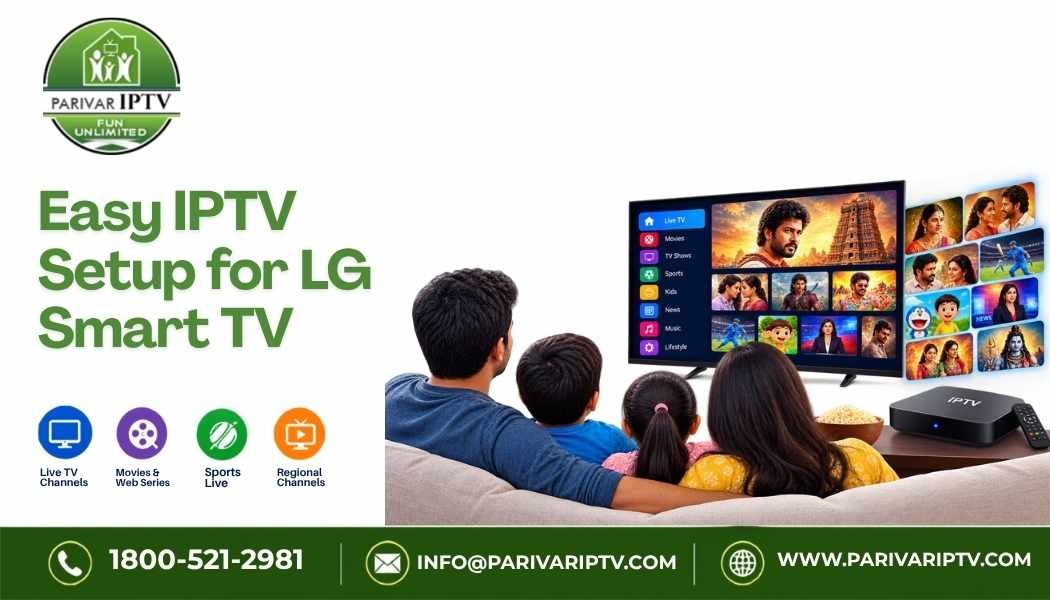
At Parivar IPTV, we make it kinda easy to watch IPTV for Indian channels on your phone, tablet, or LG Smart TV. This little guide covers how live streaming works, what you should look for, and how to start without too much hassle.
There are a few usual issues that pop up, for many people living overseas:
IPTV basically sends live TV via the internet, instead of a cable or satellite dish. You log in inside an app, select an IPTV Indian channel, and you are watching. That’s why it is often chosen, because:
LG Smart TVs usually run on webOS, and many IPTV apps can be installed from the LG Content Store. The process is often not too complicated:
App names can vary based on the TV model and region, so if you get stuck , our team steps in to help you. For smoother streaming, ethernet usually beats Wi‑Fi, and around 10 to 15 Mbps is a good target for most HD channels.
Our setup is straightforward. You get live Indian channels on your IPTV for LG Smart TV or other device, with pricing that fits a family budget.
1. What is the best way to watch live Indian TV channels abroad?
IPTV is popular since it is affordable, flexible, and works across many devices. Just choose a provider that has stable streaming and decent support.
2. Can I use IPTV on an LG Smart TV?
In most cases yes. You install a compatible IPTV player app from the LG Content Store, then add your login details. If you need help, our team can guide you.
3. What internet speed do I need?
About 10 to 15 Mbps is usually enough for most HD streams. If multiple devices are running at once , faster is better.
4. Which IPTV is best for Indian channels?
The “best” one generally has a large channel list, steady streaming, fair pricing, and helpful support. Compare these things before you subscribe.
5. Can I watch on more than one device?
Depends on your plan. Ask us about the number of screens before you subscribe.
Watching Indian TV from home should be simple and not too expensive. With live streaming, you can enjoy serials, news, movies, and cricket on any screen at home, including your LG Smart TV. If you are looking for live streaming Indian TV channels or IPTV for Indian channels, Parivar IPTV is here to help with fair pricing, easy setup, and friendly support.
Want to start watching soon? Reach out to Parivar IPTV today.
Phone 1800-521-2981
Email: info@parivariptv.com
Give Us A Call
Send Us A Message

Free Consultation

We are one of the most reputable IPTV streaming services on the market today. Our IPTV service will provide you with access to live TV streaming as well as VOD movies and shows. Parivar IPTV has set a benchmark in terms of providing IPTV Services, Since 2022, delivering exceptional IPTV solutions with 24/7 support.

We are one of the most reputable IPTV streaming services on the market today. Our IPTV service will provide you with access to live TV streaming as well as VOD movies and shows. Parivar IPTV has set a benchmark in terms of providing IPTV Services, Since 2022, delivering exceptional IPTV solutions with 24/7 support.
Copyrights 2022-2026, Parivar IPTV. All Rights Reserved.