- 0417, King Street, US
- +1 800-521-2981
- info@parivariptv.com
- Chat With Us:

Living in the USA doesn’t mean you have to miss the Indian television shows, movies, and entertainment you grew up watching. Whether you enjoy Hindi serials after work, Telugu movies on the weekend, or Punjabi entertainment with your family, familiar programmes can make you feel closer to home.
With Parivar IPTV, Indian families in the USA can explore Indian television entertainment through a compatible Smart TV setup. Instead of watching everything on a small phone screen, you can enjoy your favourite programmes on your living room television.
If you’re searching for IPTV for Smart TV, IPTV for Apple TV, or IPTV for LG Smart TV, it’s important to understand your device options, internet connection, and the channels available before getting started.
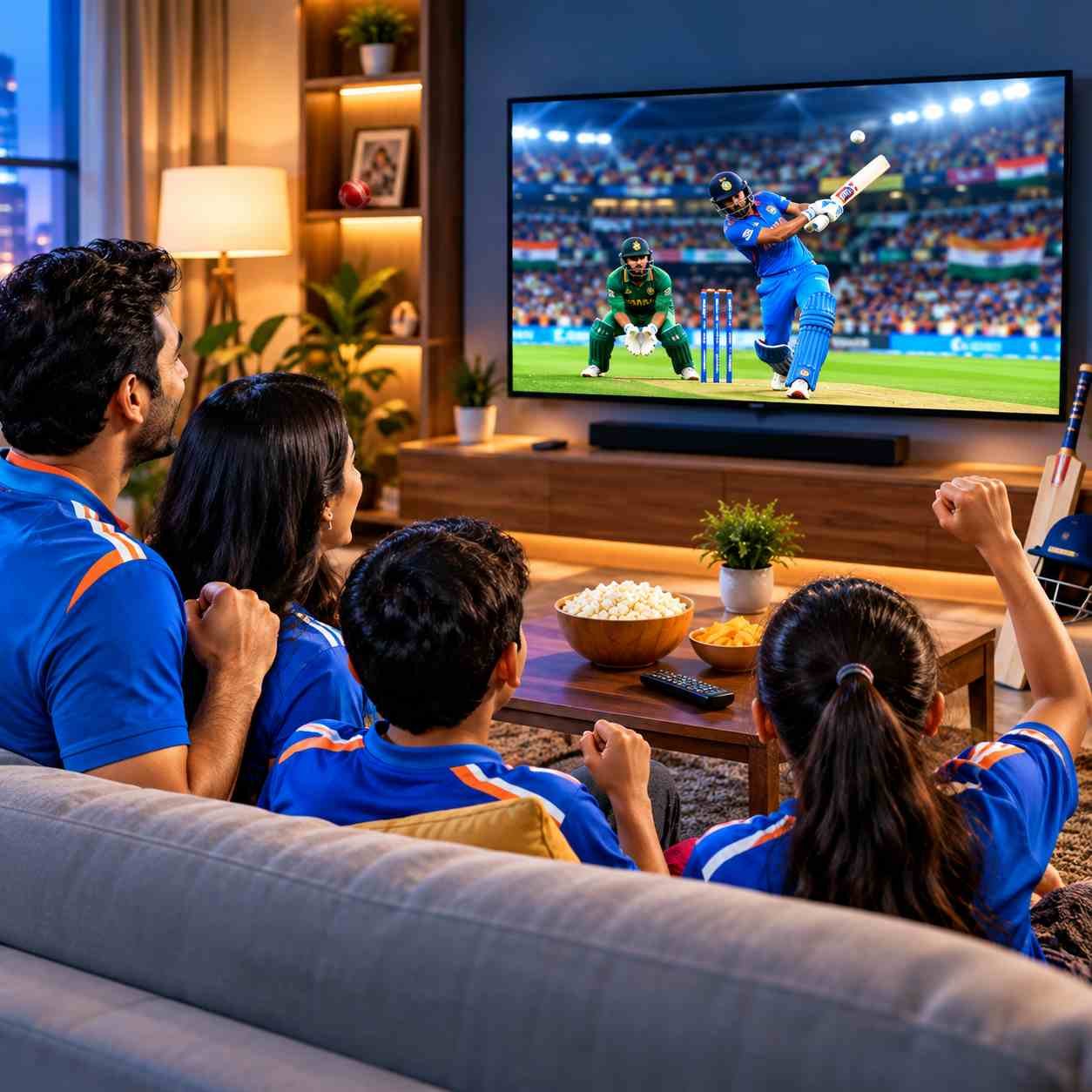
IPTV stands for Internet Protocol Television. It delivers television content through an internet connection rather than relying only on traditional cable or satellite TV.
For Indian households in the United States, IPTV can offer another way to access television entertainment from India, depending on the channels and service included in the subscription.
Here is how IPTV for Smart TV generally works:
In simple words: IPTV lets you watch supported television content over the internet on a compatible TV setup.
Moving to another country brings plenty of changes. You may have a new job, a different daily routine, and less time to keep up with television from India. For many families, watching familiar shows is a simple way to stay connected with their language and culture.
IPTV for Smart TV gives families another option for enjoying Indian entertainment at home.
If you are planning to watch Indian TV channels on your television, the first step is to check how your TV can connect to the service.
Parivar IPTV customers should confirm that their particular TV model and supported app or device are compatible before getting started.
Apple TV can be part of an internet-based television setup. If you already use an Apple TV device, check whether the IPTV app or connection method required by Parivar IPTV is supported on your model.
Check app availability, device compatibility, and setup instructions before subscribing.
Have an LG Smart TV at home? Your television may support different streaming apps depending on its model and operating system. Confirm whether the required IPTV app or supported connection method works with your LG TV.
Not every LG model supports every IPTV app.
If you own a Smart TV from another brand, check its operating system and supported applications. The right setup depends on your TV model and the options supported by your IPTV provider.
Want to watch Indian television on your Smart TV but not sure where to begin? The process depends on your television model and the setup supported by your provider.
Here are the general steps to follow:
Important before setup
Parivar IPTV provides one device login at a time. If you plan to use your subscription on a different device, check with support about the correct login and switching process.
A stable internet connection helps reduce buffering and interruptions when watching online television.
The internet speed you need depends on the streaming quality, the number of devices using your network, and the performance of your home Wi-Fi.
Here are a few practical tips for Indian households in the USA:
A faster connection does not automatically guarantee uninterrupted streaming, but a stable network can make a difference to your viewing experience.
Indian families have different tastes when it comes to television. You might enjoy Hindi dramas, your parents may prefer devotional programmes, or someone in your household may want regional-language entertainment.
With Parivar IPTV, you can explore the Indian television channels included in the available service and package.
Depending on the current channel lineup, your interests may include:
For viewers who enjoy Hindi serials, entertainment shows, movies, and programmes in their preferred language.
Regional-language entertainment for families who want to keep enjoying familiar programmes from South India.
Explore available Punjabi, Marathi, Malayalam, Kannada, Gujarati, and other language options, depending on the package.
Channel availability, live programming, and regional-language options can vary. Confirm the current lineup with Parivar IPTV before choosing a subscription.
If your family enjoys Indian television and wants to watch it at home, Parivar IPTV may be an option to explore, provided your preferred channels and viewing device are supported.
Here are some things to consider before getting started:
Choosing a service that fits your household starts with knowing what you want to watch and which device you plan to use.
Find answers to the most common questions about Parivar IPTV, our plans, devices, and streaming service.
Fill out the form and our team will get back to you with the information you need.
Give Us A Call
Send Us A Message

Free Consultation

We are one of the most reputable IPTV streaming services on the market today. Our IPTV service will provide you with access to live TV streaming as well as VOD movies and shows. Parivar IPTV has set a benchmark in terms of providing IPTV Services, Since 2022, delivering exceptional IPTV solutions with 24/7 support.

We are one of the most reputable IPTV streaming services on the market today. Our IPTV service will provide you with access to live TV streaming as well as VOD movies and shows. Parivar IPTV has set a benchmark in terms of providing IPTV Services, Since 2022, delivering exceptional IPTV solutions with 24/7 support.
Copyrights 2022-2026, Parivar IPTV. All Rights Reserved.