- 0417, King Street, US
- +1 800-521-2981
- info@parivariptv.com
- Chat With Us:

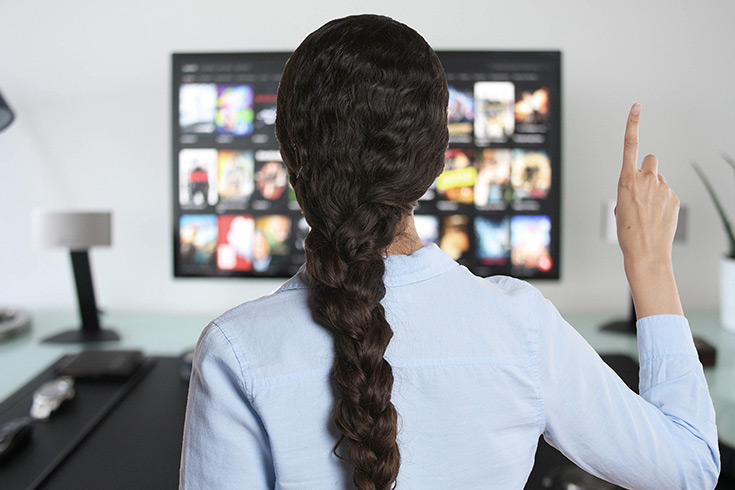
Missing your favourite shows, news, and movies from home is kinda common for families living abroad. The good part is live streaming Indian TV channels is now easier than ever, and you don’t really need a complicated set up just to watch. At Parivar IPTV, we make it easier to stay connected to home with smooth, stable streaming on the devices you already have. In this blog, we’ll walk through how it works, and what you should double check before you start watching.
Old cable and satellite setups can feel limited, they can be expensive to set up , and honestly hard to manage when you’re living away.
Watch Without Location Limits
Just an internet connection, and your favourite channels are there on your screen.
More Choice , Less Clutter
News, drama, movies, music, plus regional content all in one place.
No Bulky Equipment
No dish outside, no tangled cables behind the TV. Setup is quick, and pretty straightforward.
Enjoy It Your Way
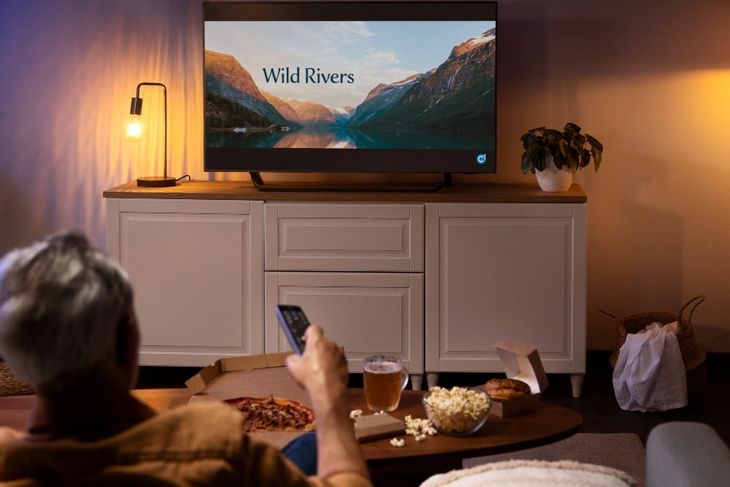
Watch on your TV in the living room, or on your phone when you’re out and about.
Not every service feels the same, so a bit of checking can save you a lot of stress later.
Look for Stable Streaming
The best IPTV for Indian channel lovers should play smoothly, without freezing when your favourite scenes start.
Check the Channel Variety
Make sure the service covers the languages, and show types your family actually watches.
Ask About Support
Good support matters, especially if you’re new. When something goes wrong, quick help is everything.
Test Your Internet Speed
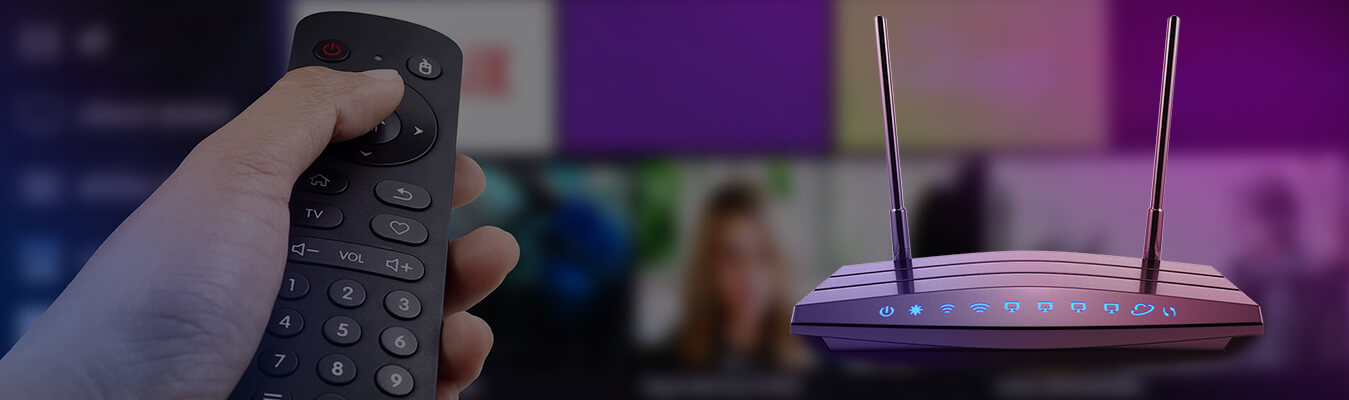
A stable connection is the real foundation. So check your speed before you begin, it’s worth it.
Lots of people worry the setup will be hard, but it’s usually way easier than expected.
Connect Your TV to the Internet
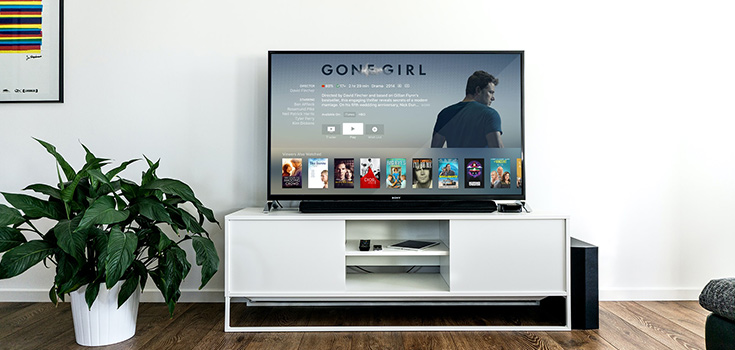
Confirm your LG TV is on your home Wi‑Fi, or hooked up with a cable if you want more steady performance.
Install a Supported App
Pick a compatible app for your television then follow the on screen steps to log in.
Keep Your TV Updated
Regular software updates help apps run smoother, and it matters for anyone using IPTV for LG Smart TV.
One family living overseas told us they almost stopped trying to watch Indian channels at home. Their old apps kept freezing, and setting things up on the big screen felt confusing, no matter what they tried. After they contacted Parivar IPTV, our support team walked them through the setup on their LG TV, step by step. Soon they were live streaming Indian TV channels in the living room again, and the whole family was watching together. Now they say it feels easy again, like they’re back home.
We know how much your favourite programs matter, especially when you’re far away. Our team focuses on dependable streaming, easy setup help, and friendly support that explains things plainly. At Parivar IPTV, we don’t try to make it complicated, because entertainment should feel relaxing, not like work.
Our goal is bringing the comfort of home entertainment right to your screen, wherever you live. We offer a broad range of channels, plus guidance for setup and troubleshooting so every family can get smooth viewing.
Our services include:
1. Can I watch live TV channels from India abroad?
Yes, if the internet is stable, you can enjoy live streaming from many places.
2. Do I need special equipment to get started?
Usually no. A smart TV or compatible device, plus good internet, is generally enough.
3. Will IPTV work on my LG television?
Yes. IPTV for LG Smart TV is supported, and our team can guide you through the setup.
4. What internet speed do I need?
A steady, reliable connection is best. Higher speeds usually mean less buffering.
5. What if I face problems after setup?
Our support team is ready to help, and we’ll help you sort the issue quickly.
Enjoying your favourite shows from home doesn’t need to be hard. With the right service, live streaming Indian TV channels can be smooth, simple, and fun for the whole family. Whether you’re choosing Parivar IPTV for Indian channel viewing, or setting up IPTV for LG Smart TV, a little planning makes a big difference.
Contact us for any questions.
1800-521-2981
Give Us A Call
Send Us A Message

Free Consultation

We are one of the most reputable IPTV streaming services on the market today. Our IPTV service will provide you with access to live TV streaming as well as VOD movies and shows. Parivar IPTV has set a benchmark in terms of providing IPTV Services, Since 2022, delivering exceptional IPTV solutions with 24/7 support.

We are one of the most reputable IPTV streaming services on the market today. Our IPTV service will provide you with access to live TV streaming as well as VOD movies and shows. Parivar IPTV has set a benchmark in terms of providing IPTV Services, Since 2022, delivering exceptional IPTV solutions with 24/7 support.
Copyrights 2022-2026, Parivar IPTV. All Rights Reserved.