- 0417, King Street, US
- +1 800-521-2981
- info@parivariptv.com
- Chat With Us:

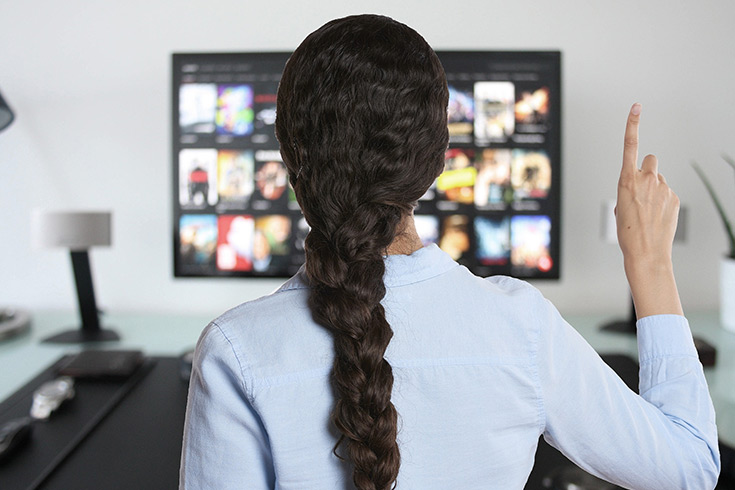
Living far from home is kind of annoying, but it doesn’t have to mean you miss everything you grew up with. With IPTV Indian channels , you can catch live news, movies, serials, music and sports right on your TV, phone , or tablet. No huge dish on the roof either, and no cable box sitting there in the corner . You mainly need a decent internet connection, plus a reliable service. In this blog we talk about the usual headaches, what to fix, and what you should check before you pick a provider.
A lot of families try a few services, then they end up not really happy. These are the issues we hear again and again
1. Missing channels. The ones you love are not actually in the package, or they “sort of” are but not really.
2. Freezing and buffering. The screen stops right when the match or movie gets good, like it chooses that exact moment to pause.
3. Not enough regional languages. Like Tamil channels in USA homes, it feels harder to find than it should be.
4. Setup trouble. A bunch of people don’t know how to run IPTV for Android TV, and they quit halfway.
5. Poor support. When something breaks… nobody answers, or it takes too long, simple as that.
Skipping a proper check before you subscribe is probably the biggest mistake. A service can look amazing on paper, then fail during a busy evening. So yeah, test first.
Good news though , each one of those problems has a straightforward fix.
1. Check the channel list. Confirm your preferred Hindi, Tamil, Telugu, Punjabi, and other channels are included. A solid provider should show you the full IPTV Indian channels list before you commit.
2. Ask for a free trial. Test the picture, sound, and streaming speed on your own TV, not some random demo.
3. Look for Tamil content. If your household is into Tamil shows, verify Tamil channels in USA are included. For example news, movies, serials and devotional programmes.
4. Check Android TV support. Your service should run smoothly with IPTV for Android TV on Smart TVs, and Android boxes . It should also work on phones and tablets.
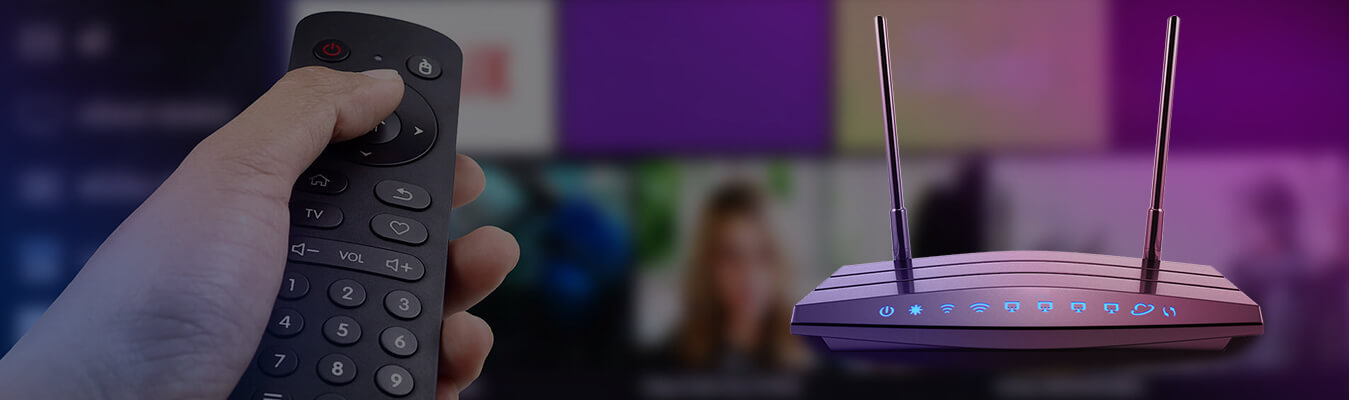
5. Fix your home setup. Use a stable connection, and if possible use a cable, plus keep the app updated. Restart your router now and then too.
6. Pick support that actually helps. Help by call, chat, or WhatsApp means less stress , when something goes wrong.
At Parivar IPTV, we walk customers through each of these steps, so nobody feels stuck or lost.
Honestly, Parivar IPTV is for families, we keep it plain and easy and we’re also around after the setup , like you know to help you stay running right. Here’s what people seem to trust us for:
– A wide set of Indian channels across many languages
– Smooth, clear streaming, no weird lag
– Simple setup on Android TV and other devices
– Support that’s kind, fast, and actually helpful
– Honest guidance, with zero pressure, at all
1. What are IPTV Indian channels?
They are live Indian TV channels streamed through the internet, instead of cable or satellite.
2. Can I watch Tamil channels in USA with IPTV?
Yes. Many providers include Tamil channels, but you should always check the channel list before you subscribe.
3. Does IPTV for Android TV need special equipment?
Usually no. If you have Android TV, a Smart TV, or an Android box, you can install the app and start watching.
4. What internet speed do I need?
A steady home connection is normally enough for HD streaming. If it freezes, start by checking your Wi-Fi.
5. Can I try the service before I subscribe?
A decent provider lets you test first. Ask about the free trial before you begin.
Watching Indian TV in America should feel easy and fun, not complicated . Check the channels, test the streaming, confirm the language options, and make sure the service works on your devices. If you want dependable IPTV Indian channels, popular Tamil channels in USA, and simple IPTV for Android TV setup, Parivar IPTV is here to help. Message us anytime, and we’ll guide you from your first question to your first show.
Want to start watching soon? Reach out to Parivar IPTV today.
Phone 1800-521-2981
Email: info@parivariptv.com
Give Us A Call
Send Us A Message

Free Consultation

We are one of the most reputable IPTV streaming services on the market today. Our IPTV service will provide you with access to live TV streaming as well as VOD movies and shows. Parivar IPTV has set a benchmark in terms of providing IPTV Services, Since 2022, delivering exceptional IPTV solutions with 24/7 support.

We are one of the most reputable IPTV streaming services on the market today. Our IPTV service will provide you with access to live TV streaming as well as VOD movies and shows. Parivar IPTV has set a benchmark in terms of providing IPTV Services, Since 2022, delivering exceptional IPTV solutions with 24/7 support.
Copyrights 2022-2026, Parivar IPTV. All Rights Reserved.